

Getting your shareable link
Head to the Developer console, select your app, and open the overflow menu (three dots) at the top right of the page.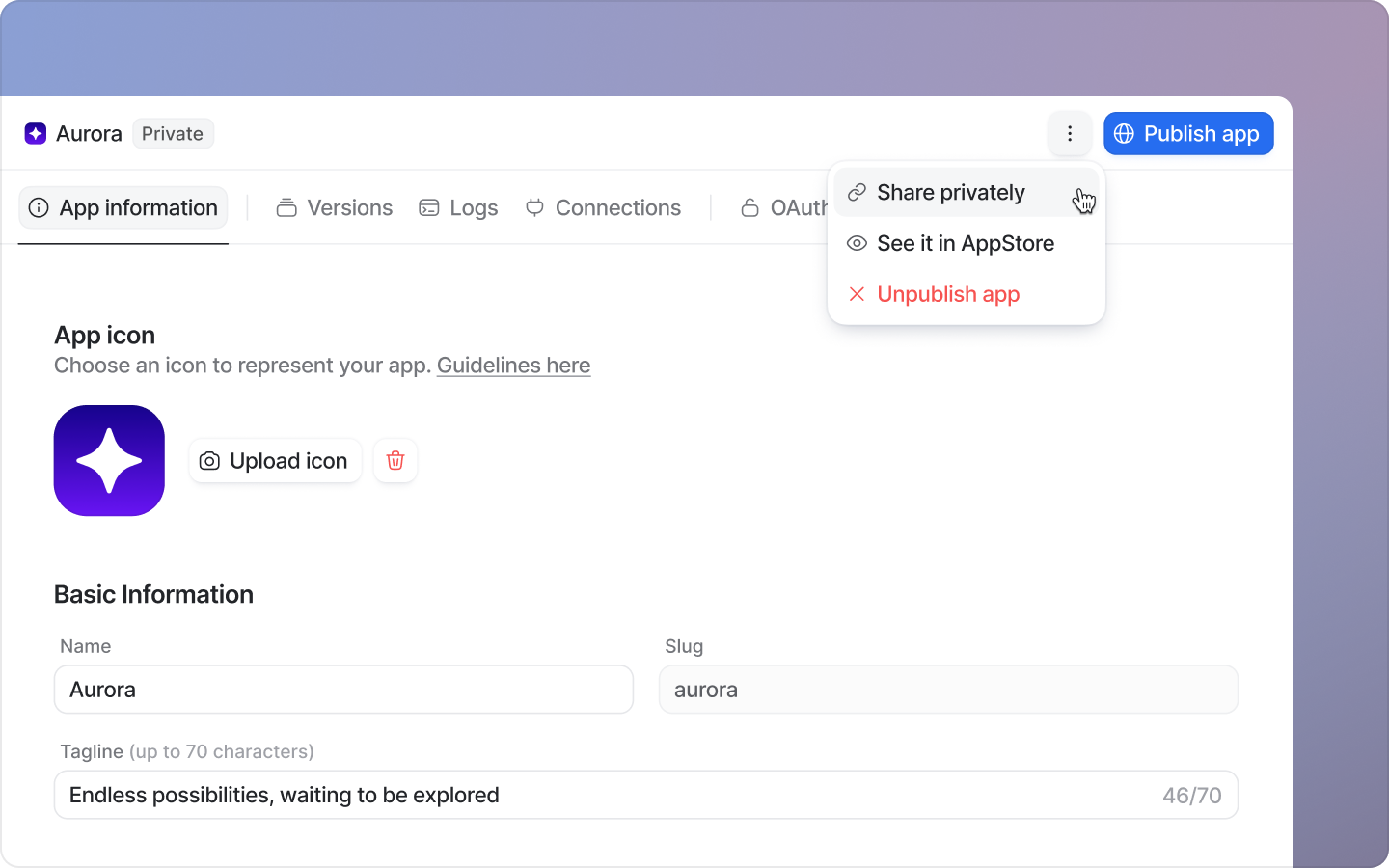
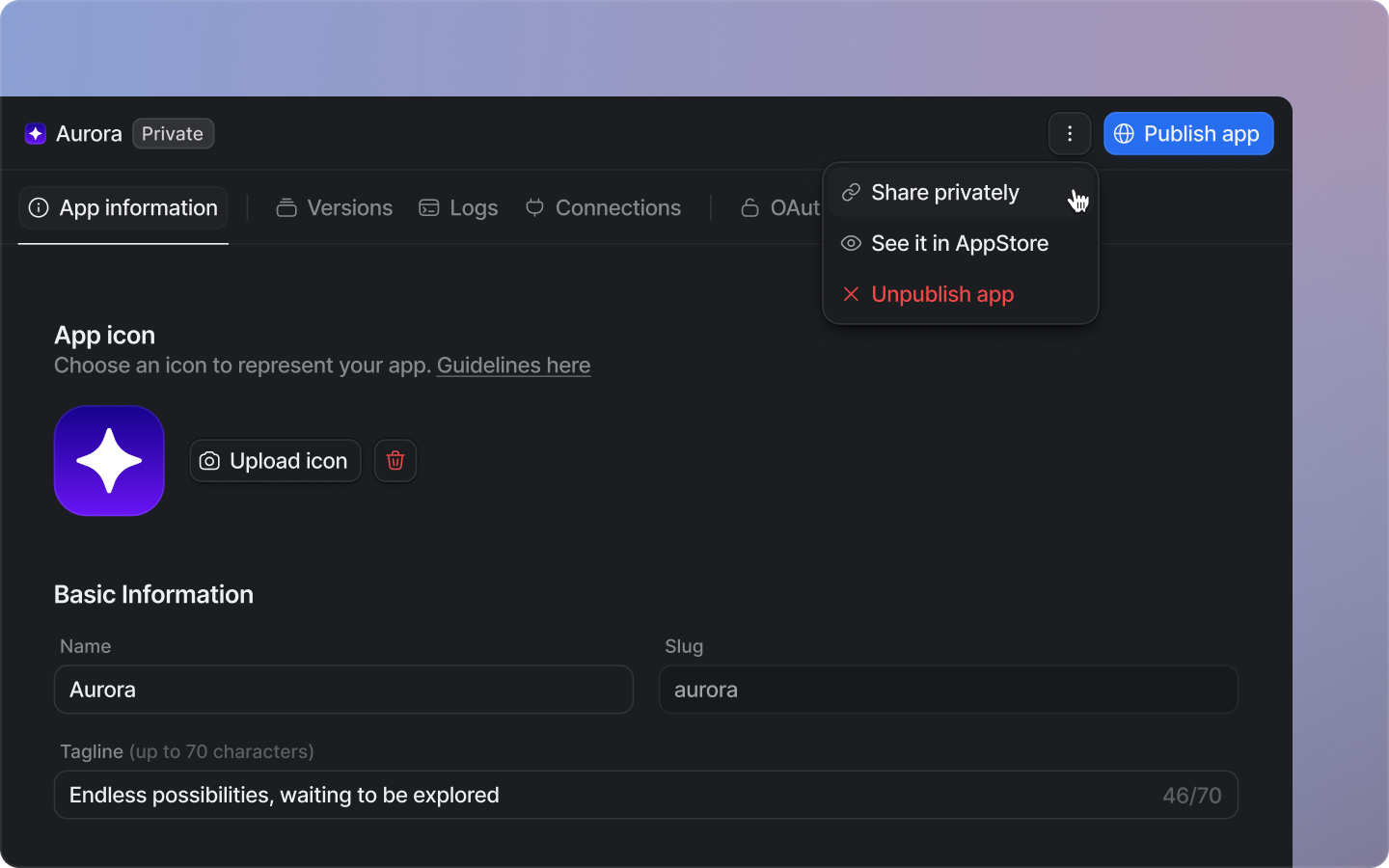 Select ‘Share privately’, then share the copied link with the workspaces you’d like to install your app.
No review from the Attio team is required for private invites. However, users installing an unapproved app will see a warning that the app has not been reviewed.
Select ‘Share privately’, then share the copied link with the workspaces you’d like to install your app.
No review from the Attio team is required for private invites. However, users installing an unapproved app will see a warning that the app has not been reviewed.