

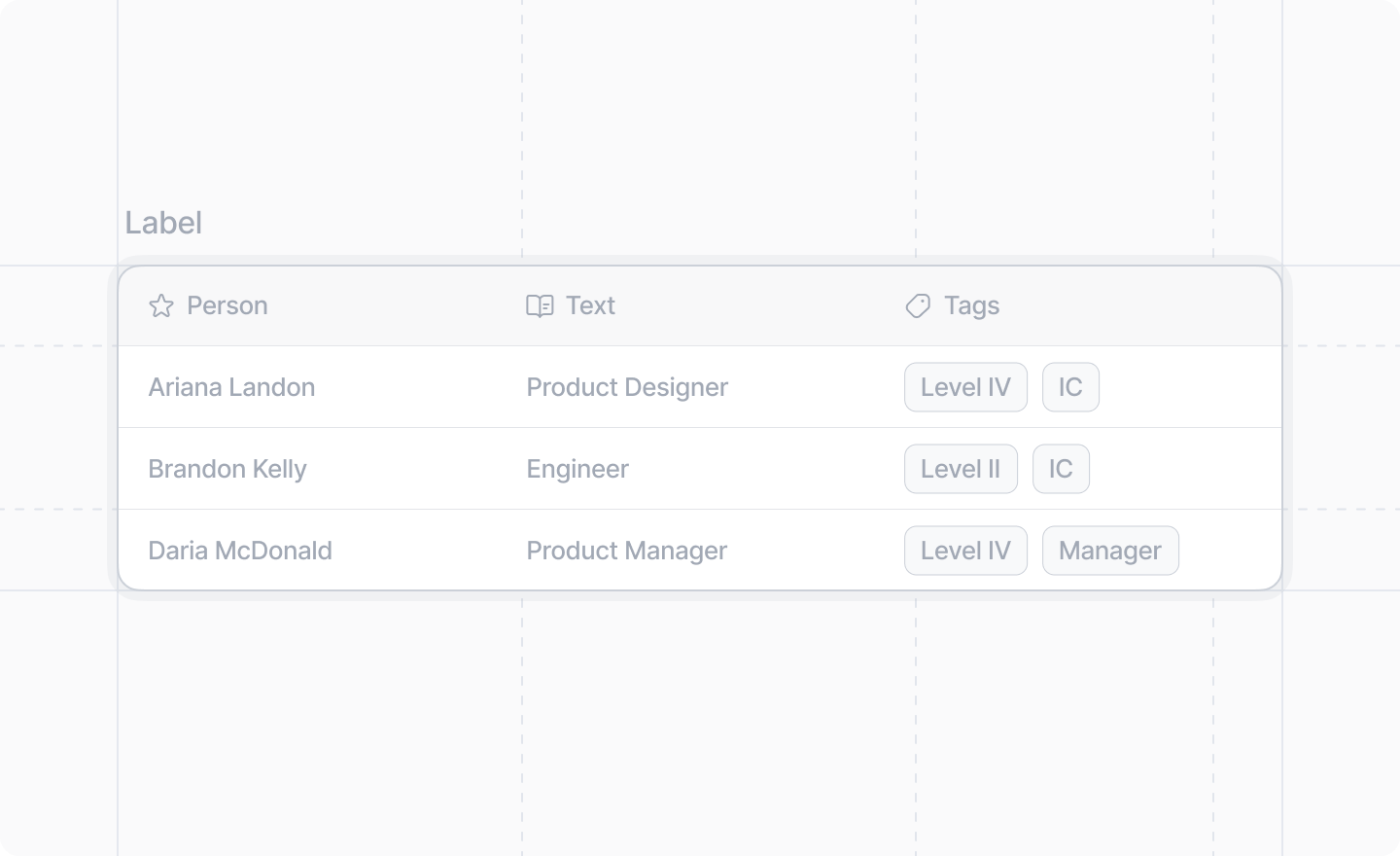
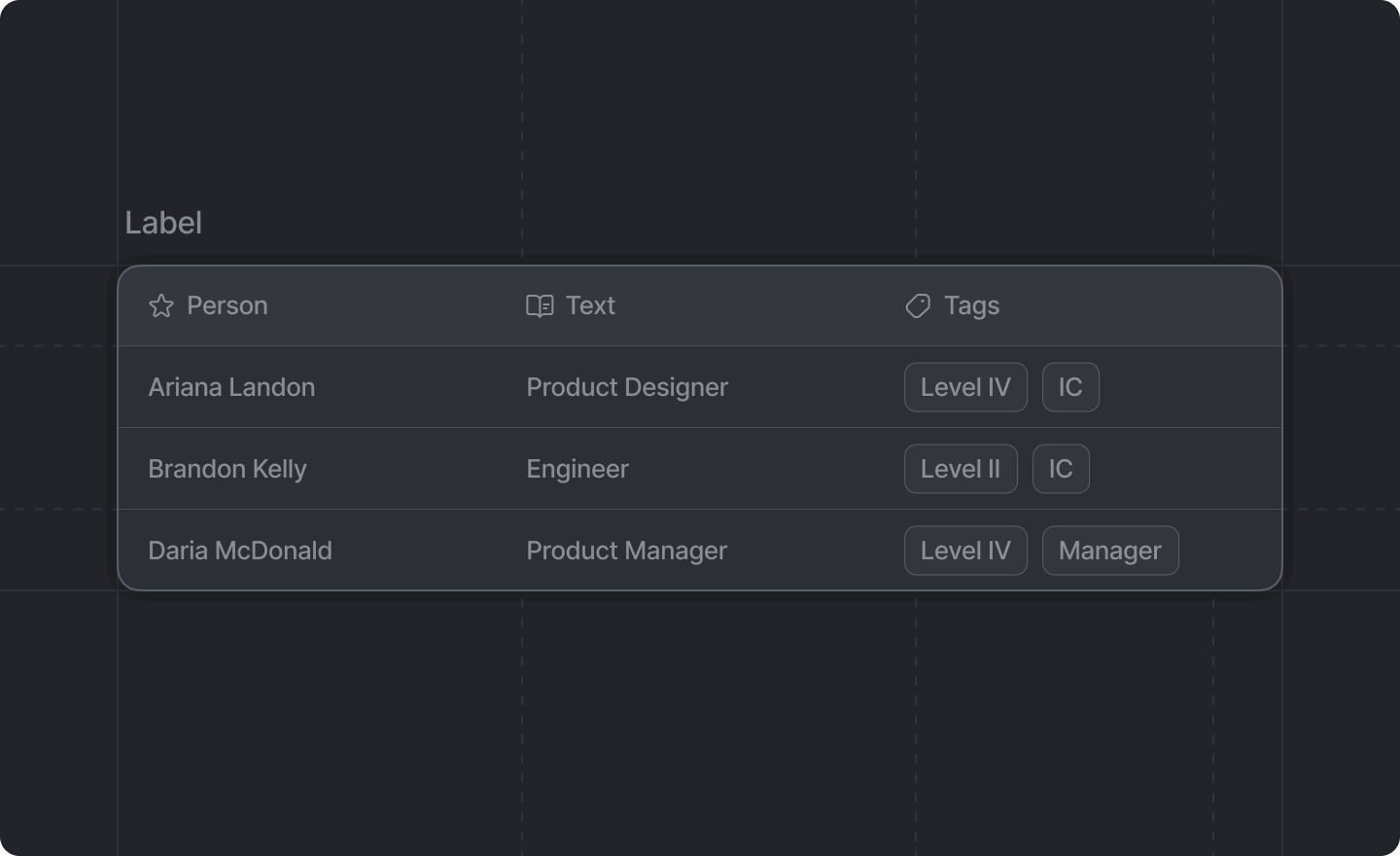
Example
TypeScript
Props
string
An optional label to display above the table.
React.ReactNode
required
The table structure. Must contain exactly one
<Table.Header /> and one <Table.Body />.<Table.Header />
The header row of the table. Contains the column headers.
Props
React.ReactNode
required
The header cells to display.
<Table.HeaderCell />
A single header cell in the table header.
Props
Icon
An optional Attio Icon to display next to the header text.
string
required
The text content of the header cell.
<Table.Body />
The body of the table containing all data rows.
Props
React.ReactNode
required
The table rows.
<Table.Row />
A single data row in the table body.
Props
React.ReactNode
required
The table cells for this row.
<Table.Cell />
A single data cell in a table row. Can contain text, links, badges, avatars, or buttons.
Props
React.ReactNode
required
The content of the table cell. Can be:
- Plain text, on its own or with
<Link />components - One or more
<Table.Cell.Badge />components - One or more
<Table.Cell.Avatar />components - One or more
<Button />components
Buttons in a cell
Put<Button /> components in a cell to give a row its own actions.
One button renders inline. If the column is too narrow for the label, the label is truncated. Two or more buttons collapse into a menu on the cell, because a column is rarely wide enough for two labels. Picking an action from that menu calls the button’s onClick.
variant and disabled work as they do elsewhere, and a "destructive" button reads as destructive both inline and in the menu.
In a dialog, buttons in a cell stay in the cell. They are not moved to the dialog footer.
On the workspace settings page, buttons in a cell are dropped, and a cell that only held buttons is left blank.
<Table.Cell.Badge />
A badge component for use inside a table cell. Useful for displaying status indicators or categories.
Props
string
required
The text content of the badge. Only text children are allowed.
'amber' | 'blue' | 'cyan' | 'green' | 'grey' | 'lavender' | 'lime' | 'orange' | 'pink' | 'purple' | 'red' | 'yellow'
required
The color of the badge.
<Table.Cell.Avatar />
An avatar component for use inside a table cell. Useful for displaying profile pictures or organization logos.
Props
string
required
The name of the person or entity represented by the avatar. This is used for accessibility and as
a fallback when no image is provided.
string | null | undefined
required
The URL of the avatar image. If
null or undefined, a fallback representation based on the name
will be displayed.