Documentation Index
Fetch the complete documentation index at: https://docs.attio.com/llms.txt
Use this file to discover all available pages before exploring further.
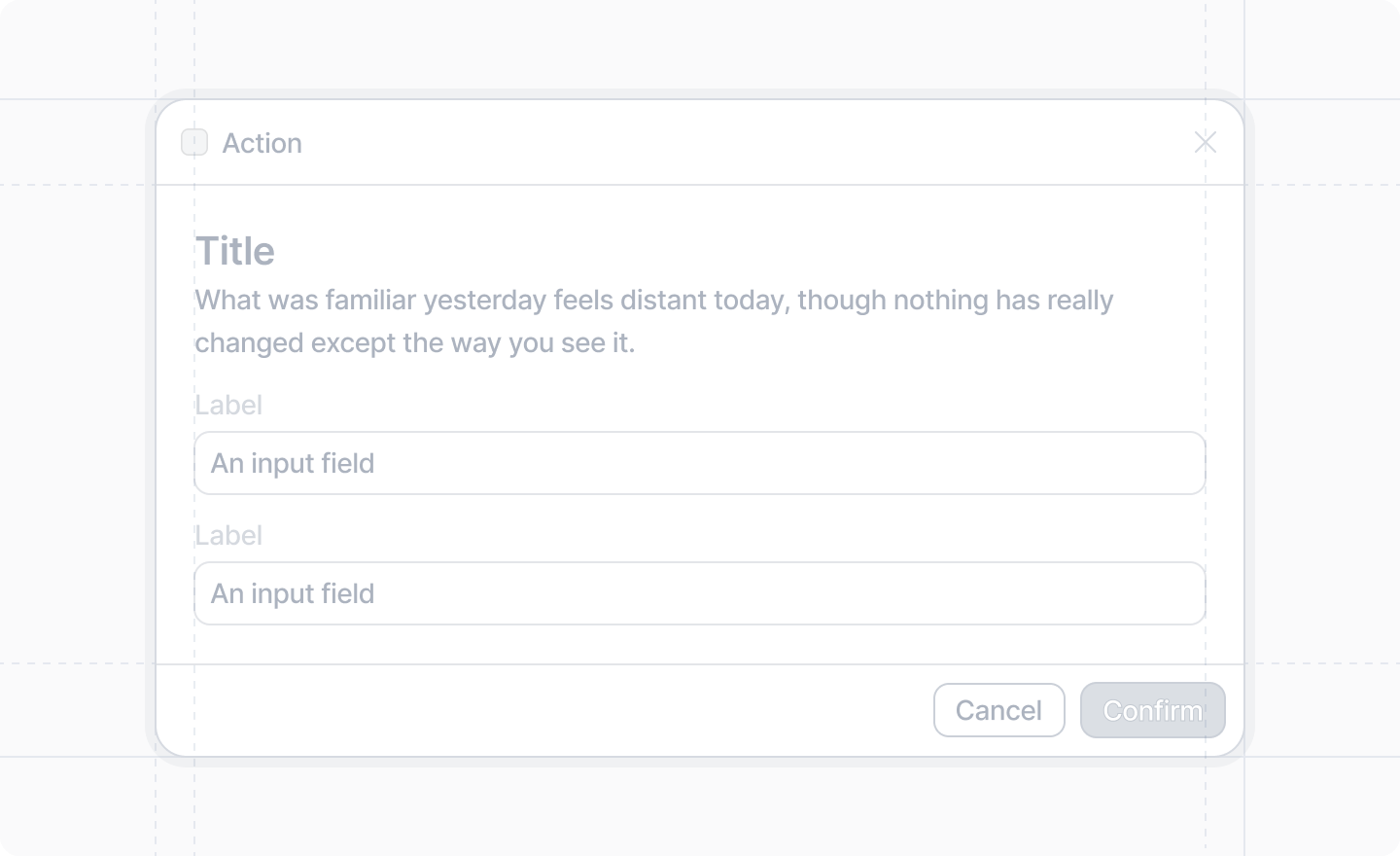
Forms can be displayed inside dialogs using components
returned from useForm(), which is given a
form schema.
The process to build a form is:
- Create a form schema.
- Destructure the form components you need from
useForm().
- Render the components. Wrap your form inputs in a
<Form/>.
- Define your
onSubmit function in <Form/>.
import {Forms, useForm, showToast} from "attio/client"
// Define your schema outside of the component
const formSchema = {
title: Forms.string(),
url: Forms.string().url(),
age: Forms.number().min(18),
approved: Forms.boolean(),
subscribed: Forms.boolean(),
}
export function SimpleFormDialog({onDone}: {onDone: () => void}) {
const {Form, TextInput, NumberInput, Checkbox, Toggle, SubmitButton} = useForm(formSchema, {
// These default values are required because these strings are required
title: "",
url: "",
// No defaults are obligatory for required numbers or booleans
// They default to 0 and false respectively
})
return (
<Form
onSubmit={async (values) => {
// Usually you'd call a server function here
await showToast({
title: "Form submitted",
variant: "success",
text: JSON.stringify(values, null, 2),
})
onDone()
}}
>
{/* These `name` props are strongly typed to your form schema */}
<TextInput label="Title" name="title" />
<TextInput label="URL" name="url" />
<NumberInput label="Age" name="age" />
<Checkbox label="Approved" name="approved" />
<Toggle label="Subscribed" name="subscribed" />
{/* A `<SubmitButton/>` is required as a direct child of `<Form/>`. */}
{/* No matter where you place it, it will be */}
{/* rendered in the footer of the dialog. */}
<SubmitButton label="Submit" />
</Form>
)
}
Example: Complex validation
Sometimes you may need to add more complex validation than a static schema can express.
For example, you might want to ensure that the minimum value is less than the maximum value.
You can achieve this by passing a validation function to useForm().
import {Forms, useForm, showToast} from "attio/client"
// Define your schema outside of the component
const formSchema = {
min: Forms.number().min(0).max(100),
max: Forms.number().min(0).max(100),
}
export function ComplexValidationDialog({onDone}: {onDone: () => void}) {
const {Form, NumberInput, SubmitButton} = useForm(
formSchema,
{},
// As a third parameter to useForm(), you can pass a validation function
// that takes all the form values and returns errors in the same shape
// as the form values.
(values) => {
const errors = {} // empty errors object means validation passes
if (values.min > values.max) {
errors.min = "Must be less than max"
errors.max = "Must be greater than than min"
}
return errors
},
)
return (
<Form
onSubmit={async (values) => {
// Usually you'd call a server function here
await showToast({
title: "Form submitted",
variant: "success",
text: JSON.stringify(values, null, 2),
})
onDone()
}}
>
{/* These `name` props are strongly typed to your form schema */}
<NumberInput label="Minimum" name="min" />
<NumberInput label="Maximum" name="max" />
{/* A `<SubmitButton/>` is required as a direct child of `<Form/>`. */}
{/* No matter where you place it, it will be */}
{/* rendered in the footer of the dialog. */}
<SubmitButton label="Submit" />
</Form>
)
}