

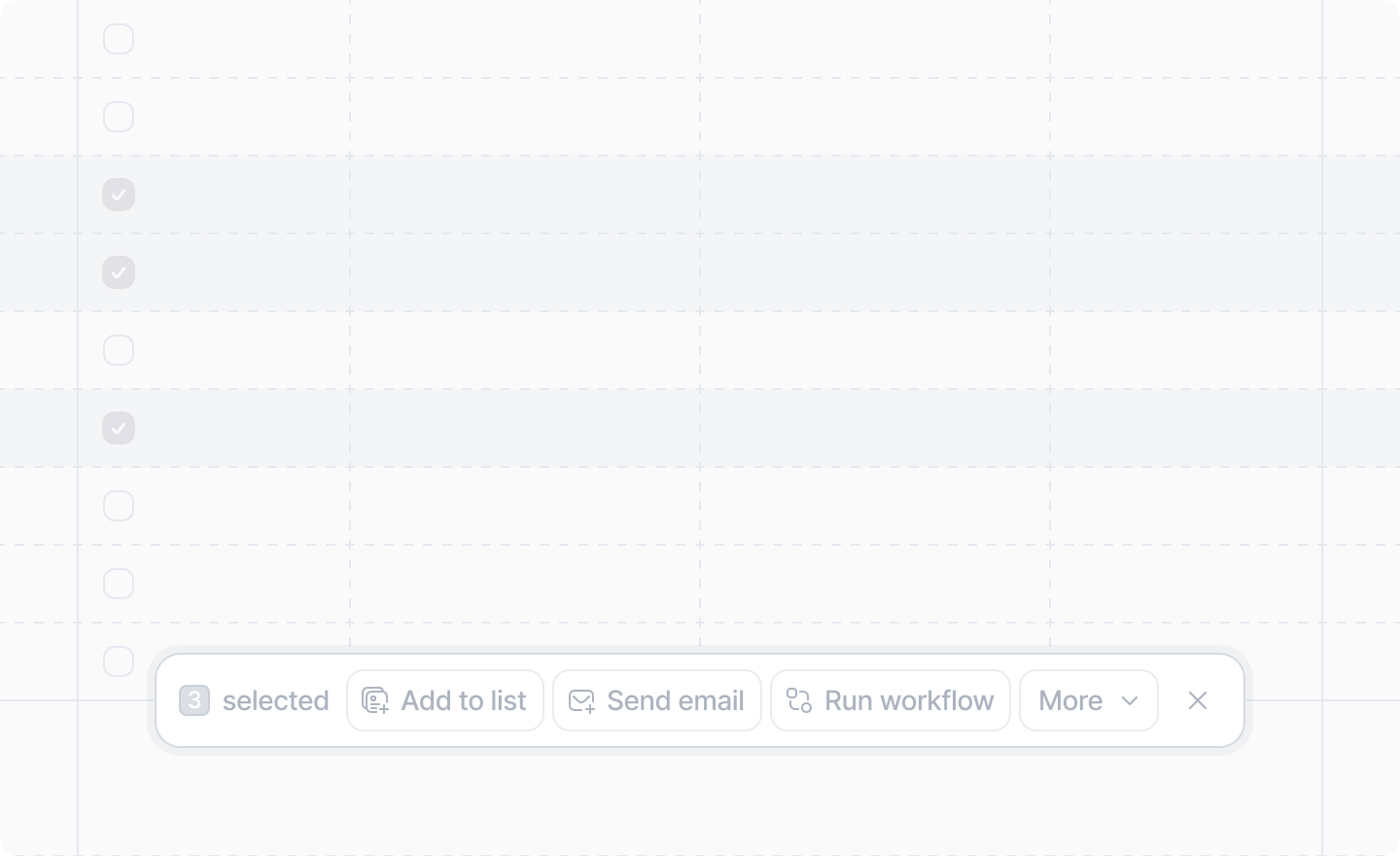
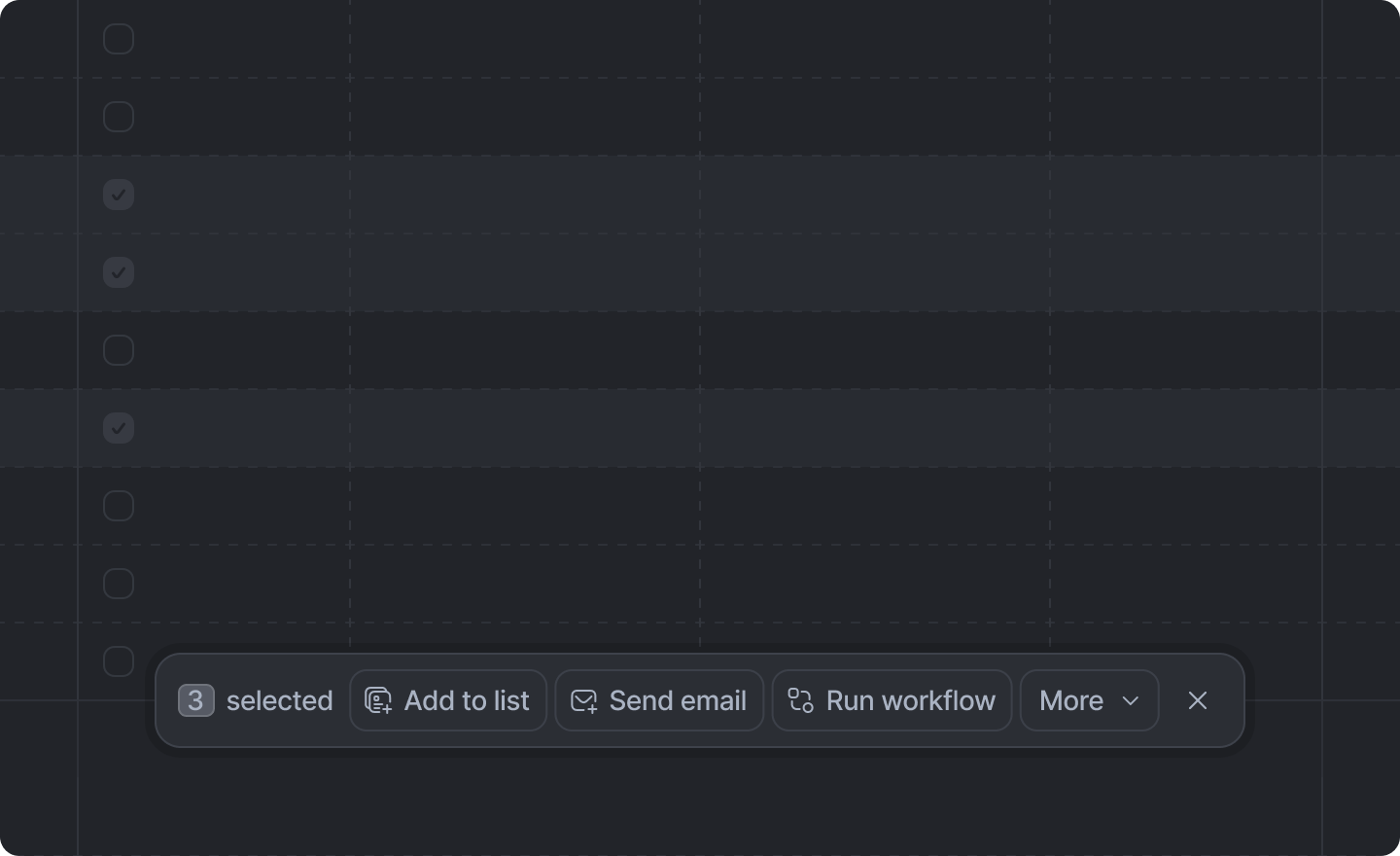
 Bulk record actions are rendered when multiple record rows are selected in Attio.
Register a bulk record action by creating an
Bulk record actions are rendered when multiple record rows are selected in Attio.
Register a bulk record action by creating an App.Record.BulkAction and adding it to the
record.bulkActions array of your app.ts file.
Example
send-invoices.ts
app.ts
Arguments
The unique identifier for this action.It is only used internally; never shown to the user.
The human readable label for the record action.
onTrigger
The function to run when the action is triggered. It receives an object with:
runRecordBatches— Processes the selected records in batches (up to 250 per batch). Call it withoptions(batchSize, and optionalonStart,onProgress,onComplete, andonErrorlifecycle hooks) and aworkerfunction that receives eachRecordBatchand returns a promise. Returns aBulkRecordActionBatchRunOutcomewith eithersuccess: trueandresults, orsuccess: falsewithpartialResultsanderror.object— The object slug being processed (e.g."people","companies").
runRecordBatches.A single slug or an array of slugs to select which types of record the record action will apply to.Defaults to
undefined, which will cause the action to show on all types of records.The built-in slugs are