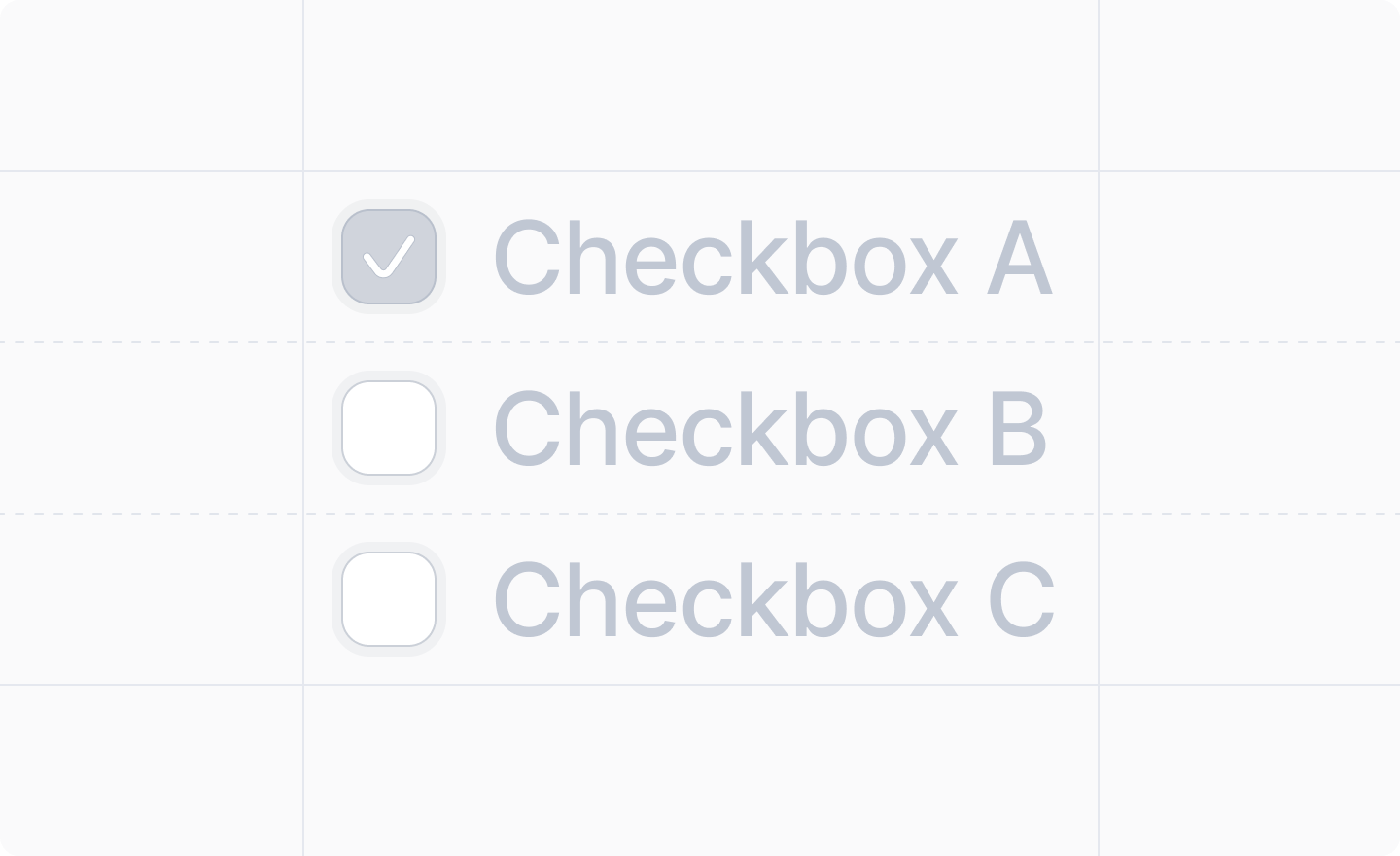
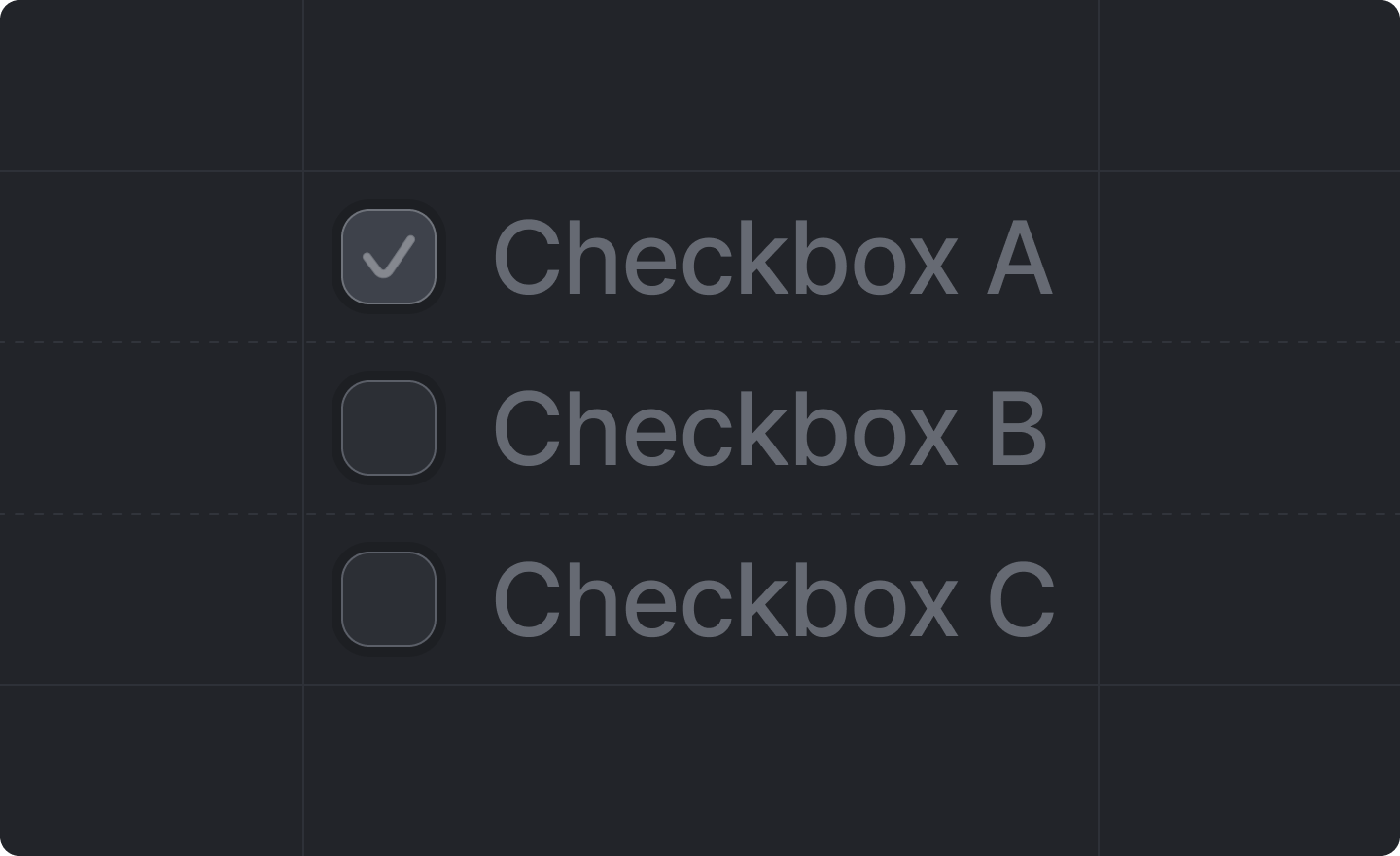
This component is returned by useWorkspaceSettingsForm().

Example

workspace-settings.tsx
import React from "react"
import {useWorkspaceSettingsForm} from "attio/client"
import type {App} from "attio"

export const workspaceSettings: App.Settings.Workspace = {
  Page,
}

function Page() {
  const {Form, Checkbox} = useWorkspaceSettingsForm()

  return (
    <Form>
      <Checkbox label="Enable automatic sync" name="auto_sync_enabled" />
    </Form>
  )
}

Grouping multiple checkboxes

To group multiple related checkboxes together under a legend, wrap them in a <Fieldset />:
<Fieldset legend="Notification channels">
  <Checkbox label="Email notifications" name="email_notifications" />
  <Checkbox label="SMS notifications" name="sms_notifications" />
  <Checkbox label="Push notifications" name="push_notifications" />
</Fieldset>

Props

label
string
required
The label of the input field.
name
string
required
The path to the boolean value of the input field in your settings schema.e.g. "auto_sync_enabled", "notifications.email_enabled"
disabled
boolean
Whether or not the field should be disabled.Defaults to false (not disabled).