This component is returned by useWorkspaceSettingsForm().
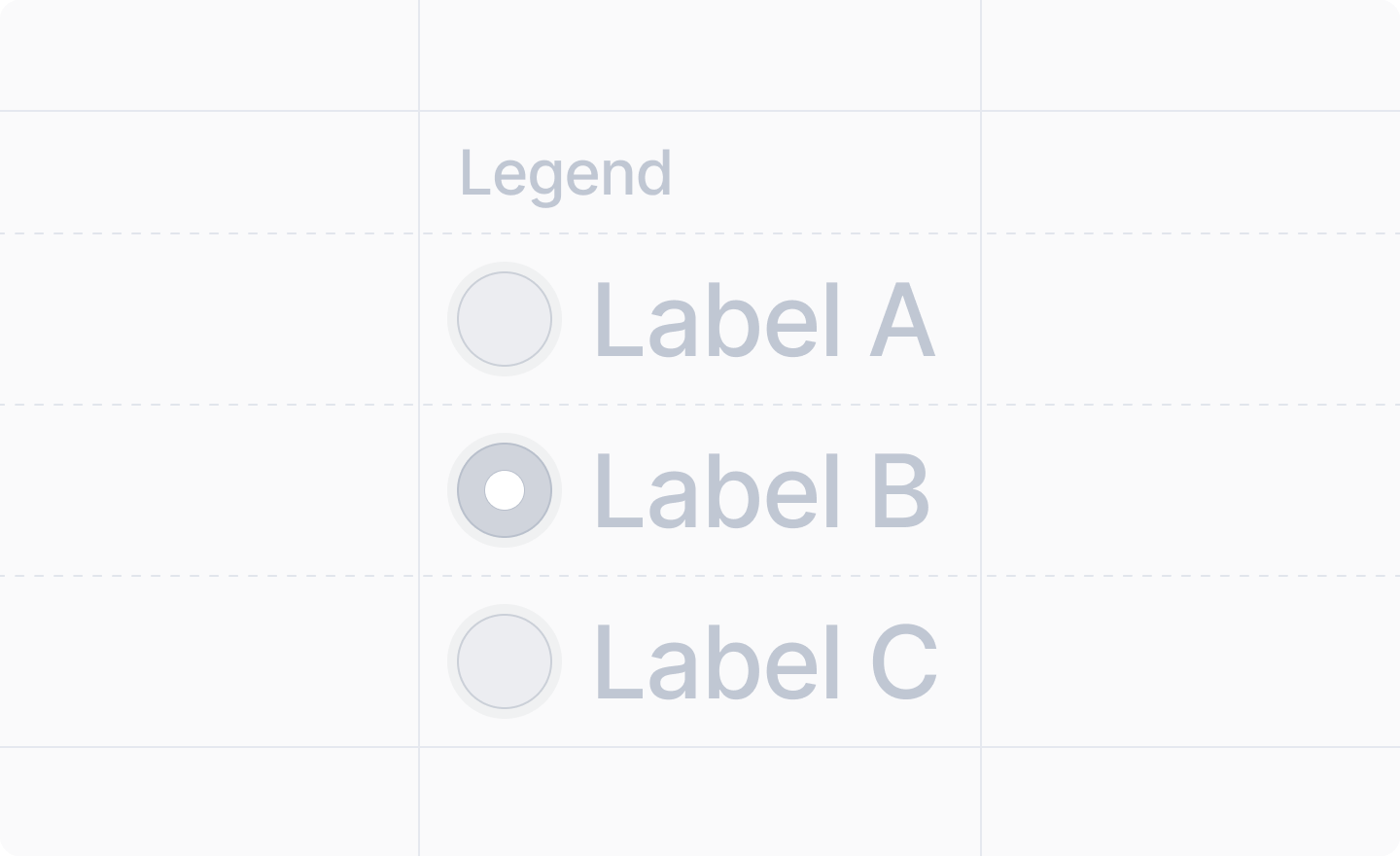
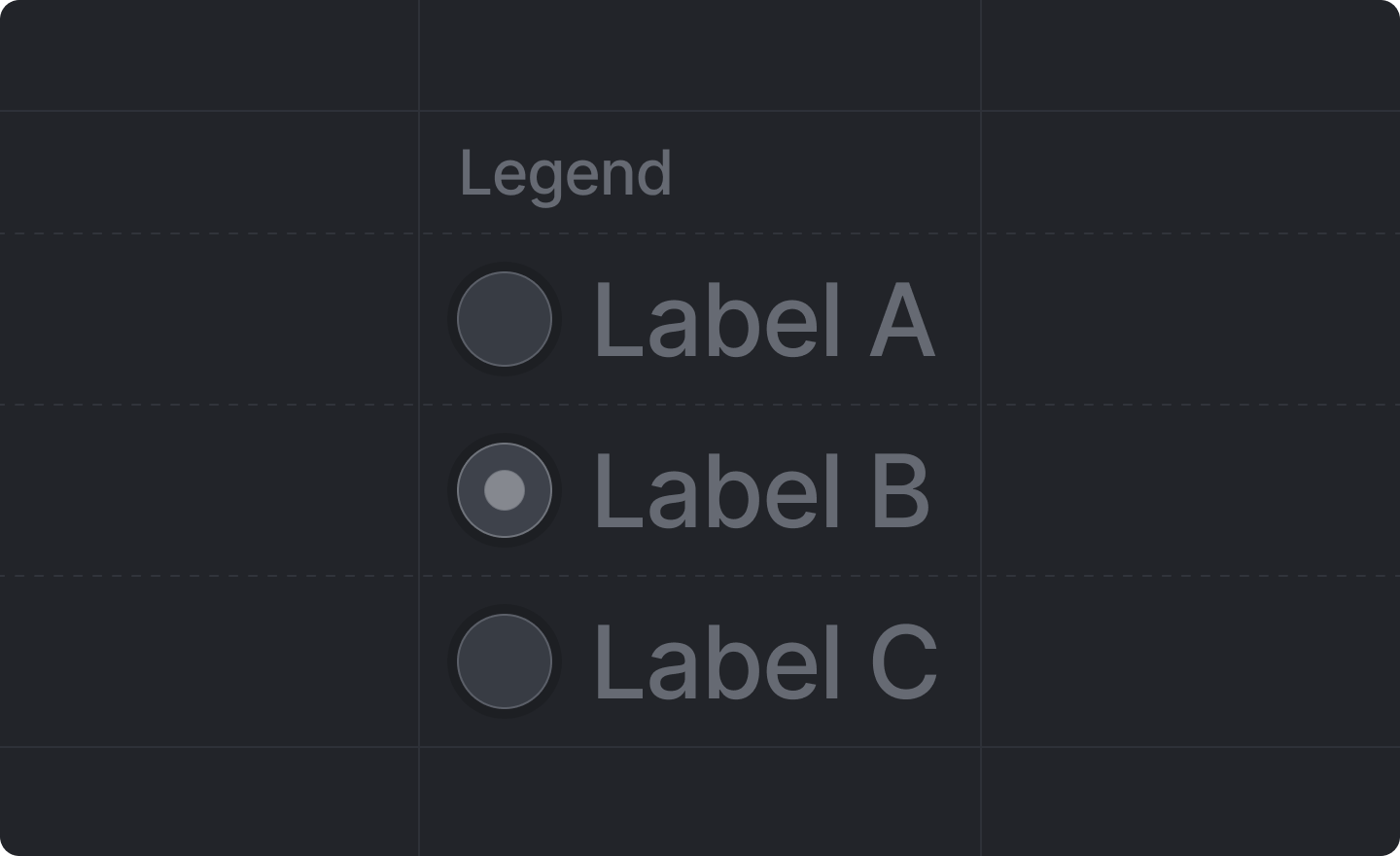
A <Fieldset /> groups related workspace settings inputs together under a descriptive legend. It can contain either:
  • A single <RadioGroup />
  • Multiple <Checkbox /> inputs
A <Fieldset /> should contain either a single <RadioGroup /> or multiple <Checkbox /> inputs, but not mixed.

Example with RadioGroup

workspace-settings.tsx
import React from "react"
import {useWorkspaceSettingsForm} from "attio/client"
import type {App} from "attio"

export const workspaceSettings: App.Settings.Workspace = {
  Page,
}

function Page() {
  const {Form, Fieldset, RadioGroup} = useWorkspaceSettingsForm()

  return (
    <Form>
      <Fieldset legend="Sync frequency">
        <RadioGroup name="sync_frequency">
          <RadioGroup.Item value="hourly" label="Hourly" />
          <RadioGroup.Item value="daily" label="Daily" />
          <RadioGroup.Item value="weekly" label="Weekly" />
        </RadioGroup>
      </Fieldset>
    </Form>
  )
}

Example with Checkboxes

workspace-settings.tsx
import React from "react"
import {useWorkspaceSettingsForm} from "attio/client"
import type {App} from "attio"

export const workspaceSettings: App.Settings.Workspace = {
  Page,
}

function Page() {
  const {Form, Fieldset, Checkbox} = useWorkspaceSettingsForm()

  return (
    <Form>
      <Fieldset legend="Notification channels">
        <Checkbox label="Email notifications" name="email_notifications" />
        <Checkbox label="SMS notifications" name="sms_notifications" />
        <Checkbox label="Push notifications" name="push_notifications" />
      </Fieldset>
    </Form>
  )
}

Props

legend
string
required
The legend text for the fieldset, which acts as a label for the group of inputs.
children
React.ReactNode
required
Either a single <RadioGroup /> or multiple <Checkbox /> inputs.
Do not mix <RadioGroup /> and <Checkbox /> components within the same <Fieldset />.